
This post contains product affiliate links. These are mainly on items/hotels/tours that I personally endorse & love. I may earn a small commission if you make a purchase, but at no extra cost to you.
Going on holiday soon? Learn how to protect your personal data while travelling with simple, practical tips for staying safe on Wi-Fi and devices.
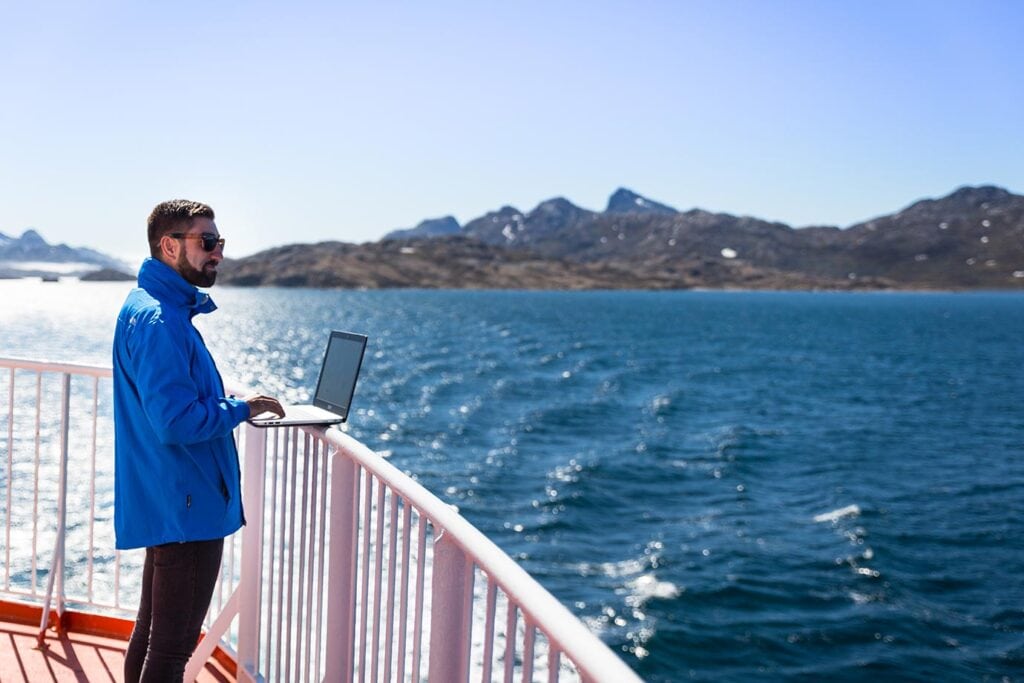
When you’re travelling, your phone or laptop quickly becomes your lifeline. I rely on mine for everything – checking emails, booking hotels and tours on the fly, navigating new cities, and backing up photos from shoots on the road. It’s incredibly convenient, but over the years I’ve learned the hard way that it also leaves your personal data far more exposed than it ever is at home.
I’ve connected to countless hotel Wi-Fi networks that felt sketchy at best, worked from cafés where people could easily glance at my screen, and had that moment of panic when I thought I’d lost my phone and realised just how much of my life was stored on it. As a travel photographer and blogger, losing access to emails, files, bookings or photos isn’t just inconvenient, it can be a genuine problem.
Those experiences have made me far more conscious about how I protect my personal data while travelling. From backing everything up before I leave, to being more careful about public Wi-Fi and what I share online in real time, I’ve picked up a few habits that now feel second nature. None of them are complicated, but together they’ve made travelling far less stressful, and that peace of mind is priceless when you’re on the road. I just thought I’d share a few tips in this article that should help you when you’re away from home.
What personal data looks like when you’re travelling

When people think of personal data, passwords and credit card numbers often come to mind first. But it also includes things like your email account, saved logins, and travel bookings.
When travelling, we tend to rely on our devices for everyday tasks. At hotels, for instance, it’s common to connect to the Wi-Fi to look up directions, book tickets on the go, or message family and friends back home. None of this is unusual but it does mean personal information is regularly being accessed and stored in places you don’t fully control.
I always think the one that catches people out is when computers and websites automatically save login details. You might hop on the hotel computer quickly because it’s easier than using your phone, you put in your email address and password, and completely ignore the fact that it can be saved. Trus me, it does happen.
A few things to take care of before leaving
A lot of this comes down to what you do before you pack your bags. A few simple steps can make a big difference, such as:
- Creating backups of important documents and photos. If something happens to your device, you’ll still have access to copies.
- Reducing what you take with you. Delete apps, files, and accounts you won’t need so there’s less to worry about.
- Updating your tech. Install pending updates before you travel, as these often improve both security and performance.
Make your accounts secure and simple

To secure your online accounts, one of the first steps is using strong, unique passwords for each app. Your email and bank accounts are the most important, and a password manager can help if remembering passwords is difficult (they can even create high quality passwords for you).
Another option is two-factor identification which is a must these days. When you log into your account from a different network, having the added security of two-factor identification will keep you far more secure. Additionally, before you travel, check your “auto sign-in” settings so that you don’t need to log back into your accounts every single time you travel.
Be cautious when using public Wi-Fi
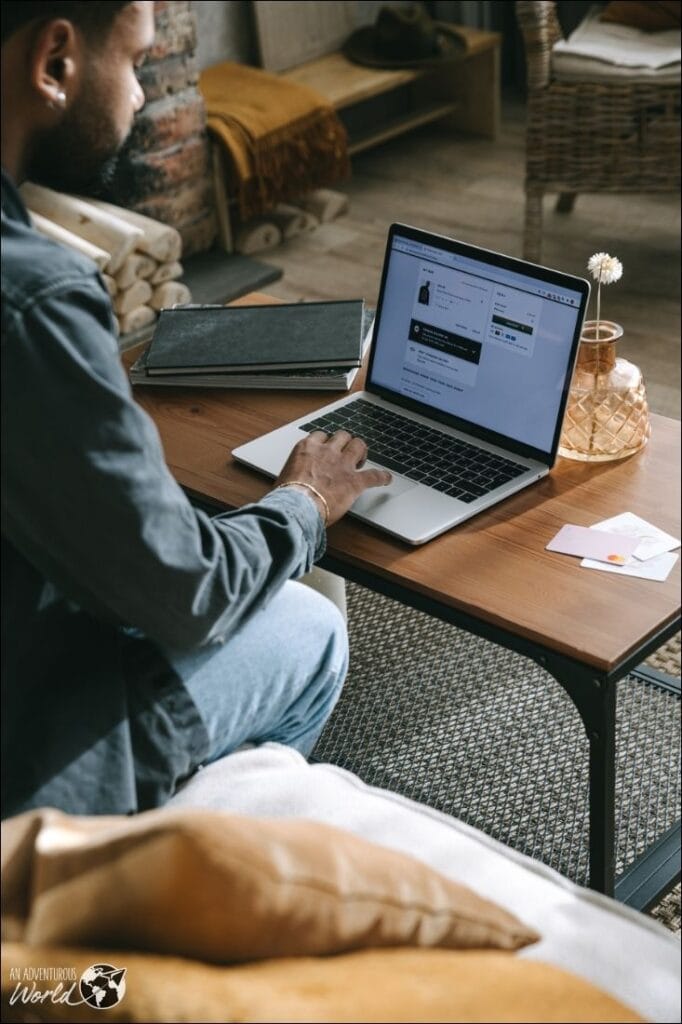
Public Wi-Fi will be available in most places you travel to, from airports and hotels to trains and cafés. These networks are usually shared with others and often don’t offer the same level of protection as your internet connection at home or work.
It’s generally fine for things like maps or quick searches, whereas banking and important emails are better kept to more secure connections. Some travellers rely on a VPN, such as Surfshark, to encrypt their connection when using shared networks. Another added bonus is that a VPN can help you access websites or services that might be blocked or restricted on certain public Wi-Fi networks, making it easier to work, stream, or manage bookings while you’re on the move.
Looking after your devices on the move

A few small habits can help keep your devices and personal data safer while you’re out exploring:
- Keep your devices close in busy places. Cafés, airports, and train stations can be more hectic than they appear. Always be aware of your surroundings.
- Use a screen lock on every device. A passcode, fingerprint, or facial recognition is a good measure if anything is lost or stolen.
- Be mindful when working in public. A privacy screen protector can limit what people around you can see.
- Think about when you share travel updates. Posting photos in real time can reveal where you are, so sharing them later helps keep things private.
None of these take much effort, but together they can make a noticeable difference while you travel.
Sharing travel moments thoughtfully

Documenting your journey and sharing photos is a great way to stay connected while you are away from home, but it is worth taking a moment to think about what you post. Some details, such as boarding passes, can reveal more personal information than you might realise at first.
It’s also helpful to be prepared in case anything unexpected happens. Phones get lost and bags get misplaced, especially when you’re moving in-between places. If that does happen, changing your passwords quickly and contacting your bank can help limit any further issues.
Devices offer options to set up tools for remote tracking, locking, or erasing your device. Having these set up before going on a trip is going to give you peace of mind, even if you never resort to using them. In general, taking basic precautions with your devices and personal data is often a lot easier than people expect and can allow you to be much less stressed about the trip!
One thing I’ve learned the hard way is to be careful about sharing where you’re staying on social media in real time. Posting photos from your hotel or AirBnB might seem harmless, but it can literally reveal your location to anyone scrolling online. If it’s an AirBnB, people could figure out exactly where you’re staying – and, even worse, that the property is empty while you’re out exploring. Waiting until after you’ve left to share photos or posting them without location tags is a simple way to protect your privacy and keep both yourself and your accommodation safe.
Travel with confidence

By simply adopting a few new habits and being more aware of your surroundings, you can dramatically reduce the chances of running into common dangers and problems while travelling. Small steps like keeping your devices secure, being mindful of what you share online, using strong passwords, and thinking twice before connecting to public Wi-Fi can make a huge difference.
The benefit is twofold: not only are you protecting your personal data and your belongings, but you also free yourself from unnecessary stress and worry. That means more time and energy to focus on the fun parts of travel – exploring new places, trying local food, meeting people, and creating unforgettable memories – without constantly looking over your shoulder. Ultimately, a little preparation goes a long way in making your trip safer, smoother, and far more enjoyable.