
This post contains product affiliate links. These are mainly on items/hotels/tours that I personally endorse & love. I may earn a small commission if you make a purchase, but at no extra cost to you.
Tired of bad travel selfies? Here’s why the Insta360 Snap changed how I capture content on the road, using your rear camera instead of front.
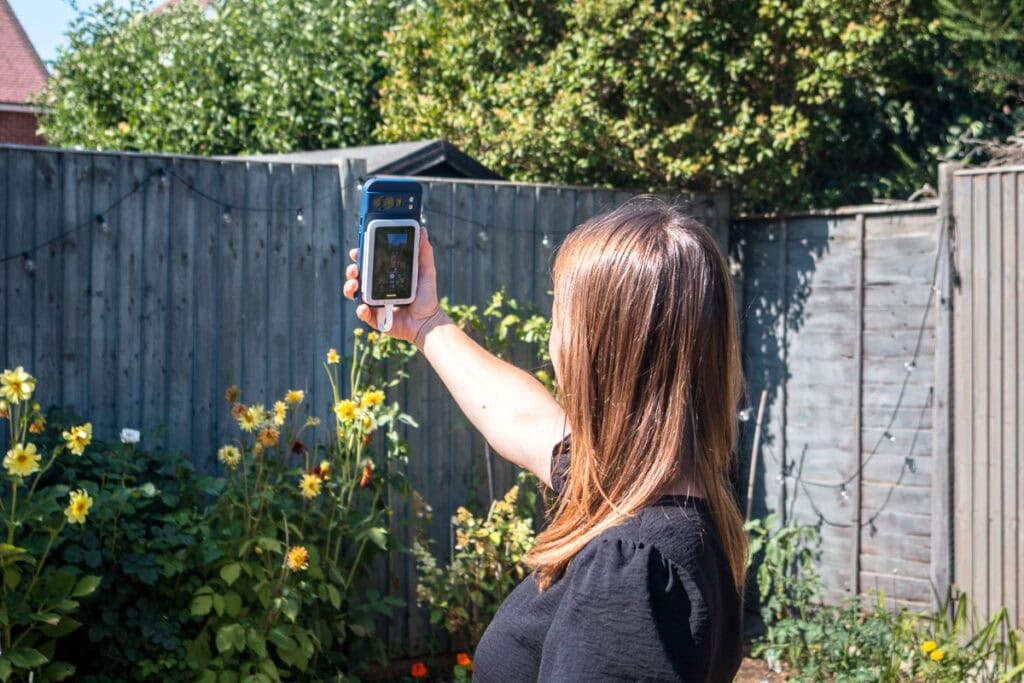
I have spent years perfecting the art of the travel selfie. And by perfecting, I mean mostly getting it wrong. Bad angles, half my forehead missing, my arm fully visible holding the phone out like I am trying to hail a taxi. We’ve all been there, right?
Also, the front-facing camera on every phone I’ve owned has been the weakest lens in my arsenal, and I’d just quietly accepted that as a fact of life. For years, my workaround was flipping the phone around and shooting blind, hoping for the best. Then I found the Insta360 Snap. I think it might just change how I take selfies on the road.
The idea is simple. Why use your phone’s worst camera for selfies when you could be using its best one? The Snap is a little magnetic screen that clips onto the back of your phone, lets you see exactly what your rear camera sees, and instantly your selfie game is elevated.
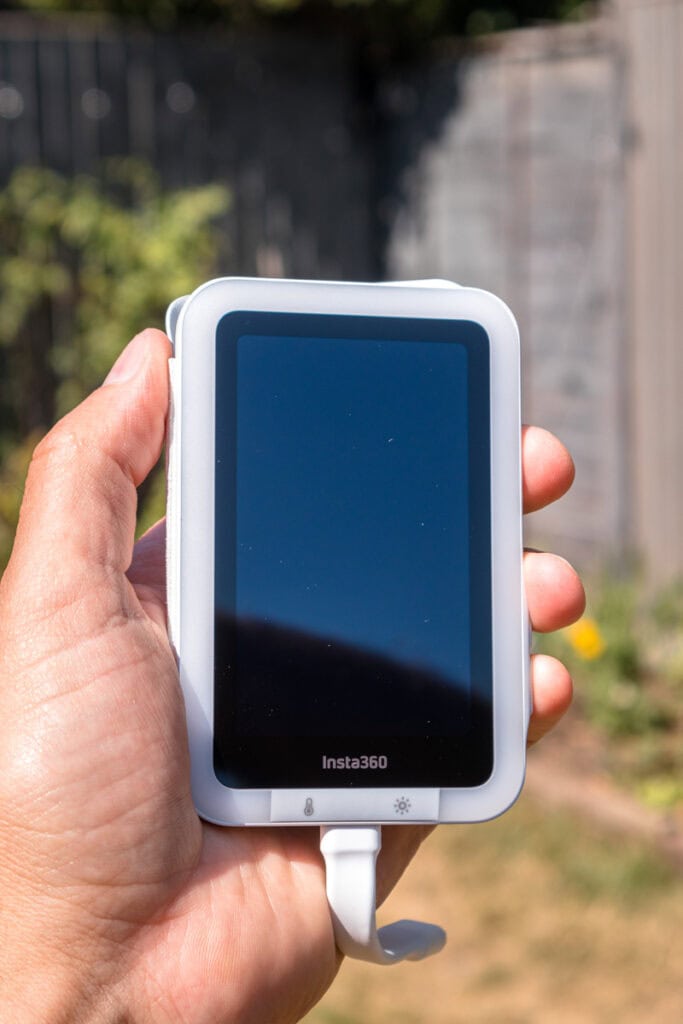
As someone who is constantly trying to capture meaningful moments, document my travels, and create content that does not look like it was shot on a potato, I thought this was a clever little gadget. For years I ignored selfies and didn’t use them in my content at all. Now, I think they’re a really nice addition to showcase the person behind the blog.
It’s funny how my travel photography has changed over the years. Everything used to be so polished and perfect. Now, some of my favourite shots are selfies. So, if you’re someone looking to take that perfect selfie, maybe the Insta360 Snap is for you. Keep on reading to find out why.
What is the Insta360 Snap?
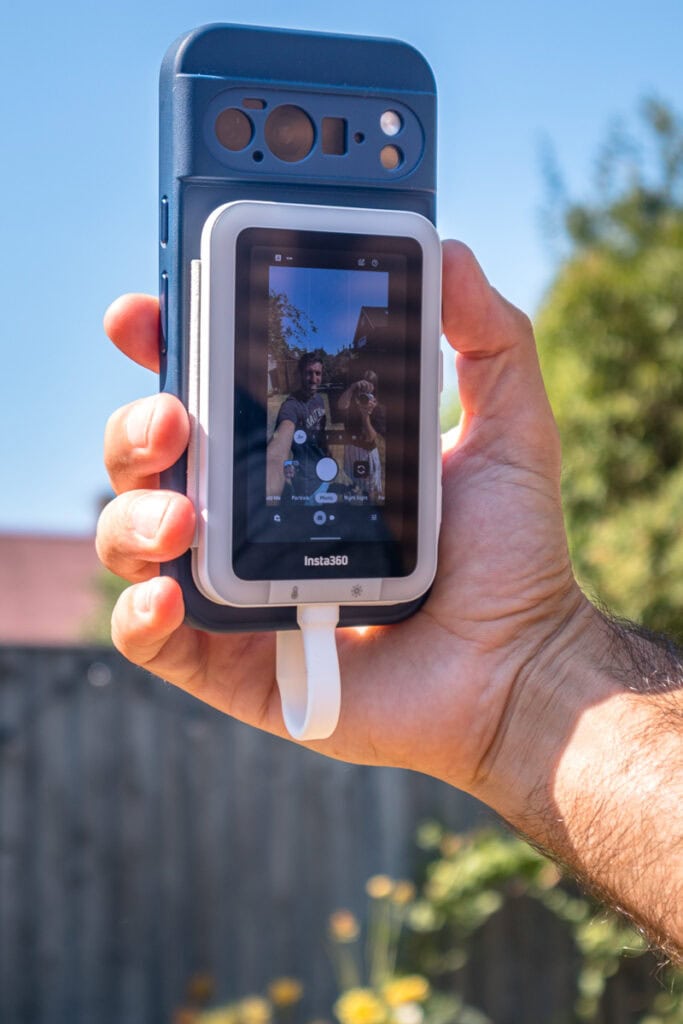
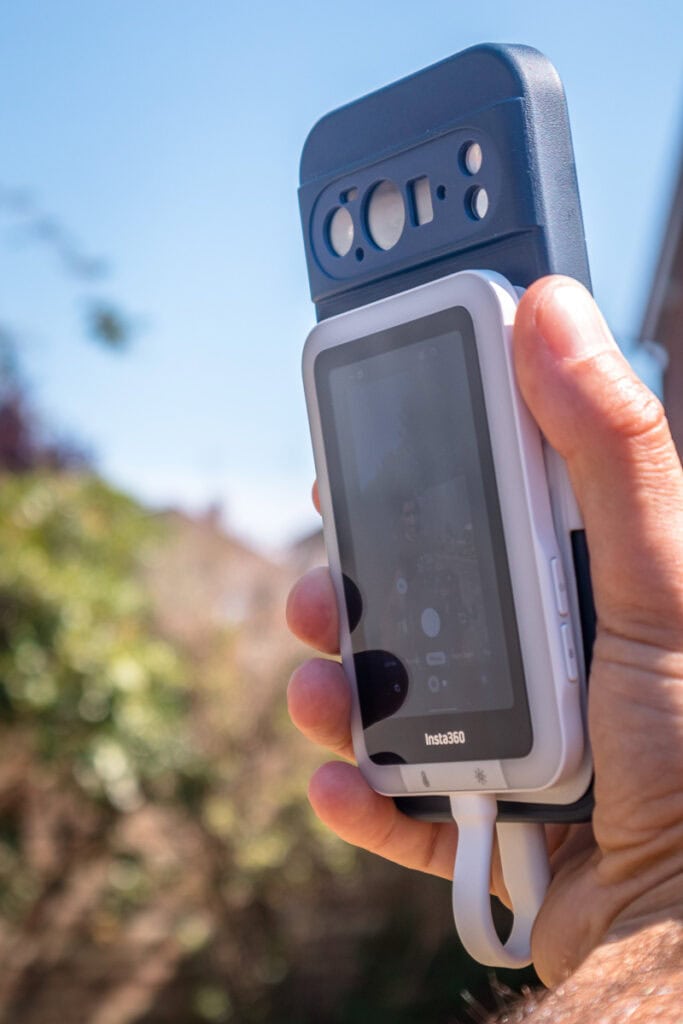
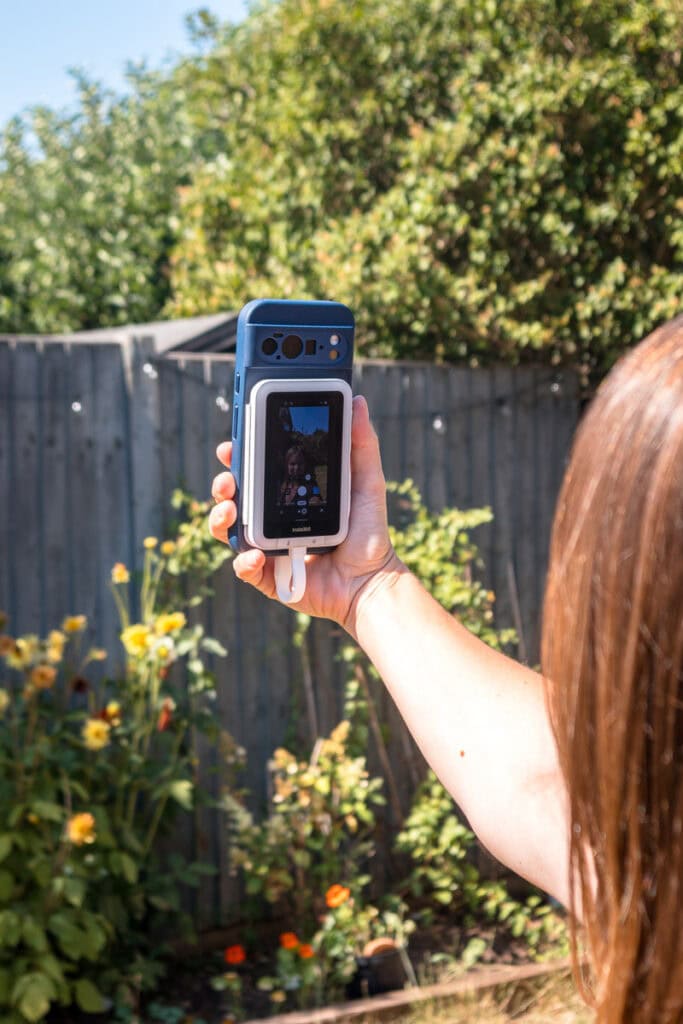
Right, so this is not a camera in the traditional sense, and it took me a moment to wrap my head around that. The Insta360 Snap does not have its own lens or sensor. Instead, it is a small touchscreen monitor that attaches magnetically to the back of your phone, mirroring your screen so you can see and control your phone’s rear camera while it is facing away from you.
Think of it as solving one very specific, very annoying problem. Your rear cameras are almost always better than your front-facing one – sharper, better in low light, more megapixels, but you cannot see what you are shooting because the screen is facing the wrong way. The Snap flips that on its head. Now you get the quality of the rear camera with the framing convenience of the front one.
We’ve all handed our phone to a stranger, asked for a nice photo, and got back something with half of us cropped out or a bin in the background we didn’t notice. Because the Snap shows you exactly what the rear camera is seeing in real time, there’s no more guessing whether the shot’s any good until it’s too late. That’s it in a nutshell.
It plugs in via USB-C, draws its power directly from your phone, and works with both iPhone and Android. No charging it separately, no pairing faff, just clip it on and go.
Insta360 Snap specs
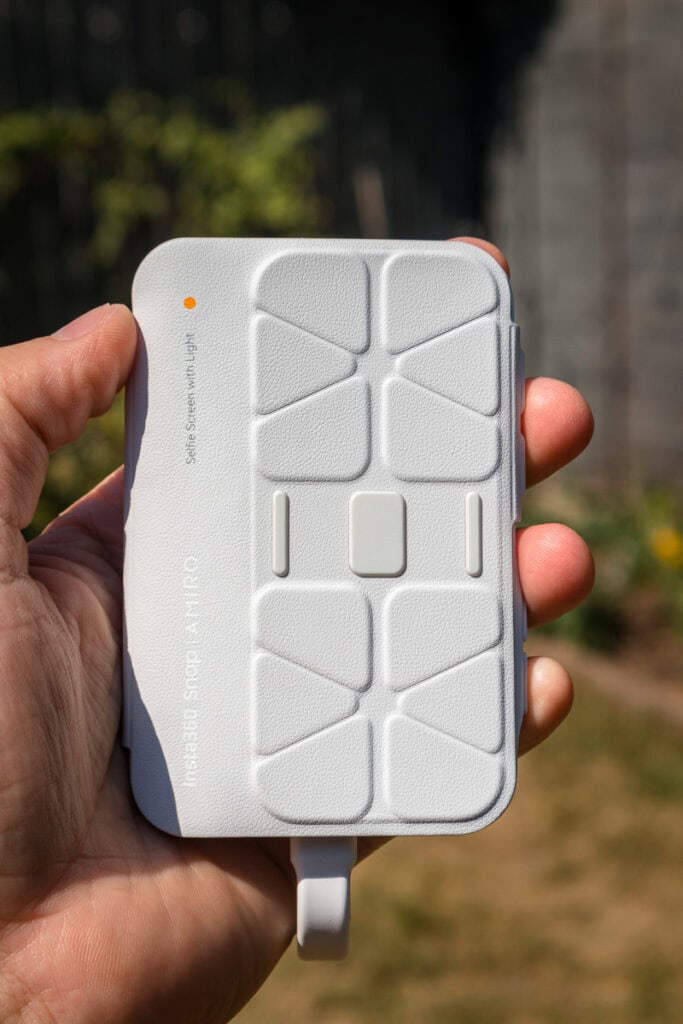
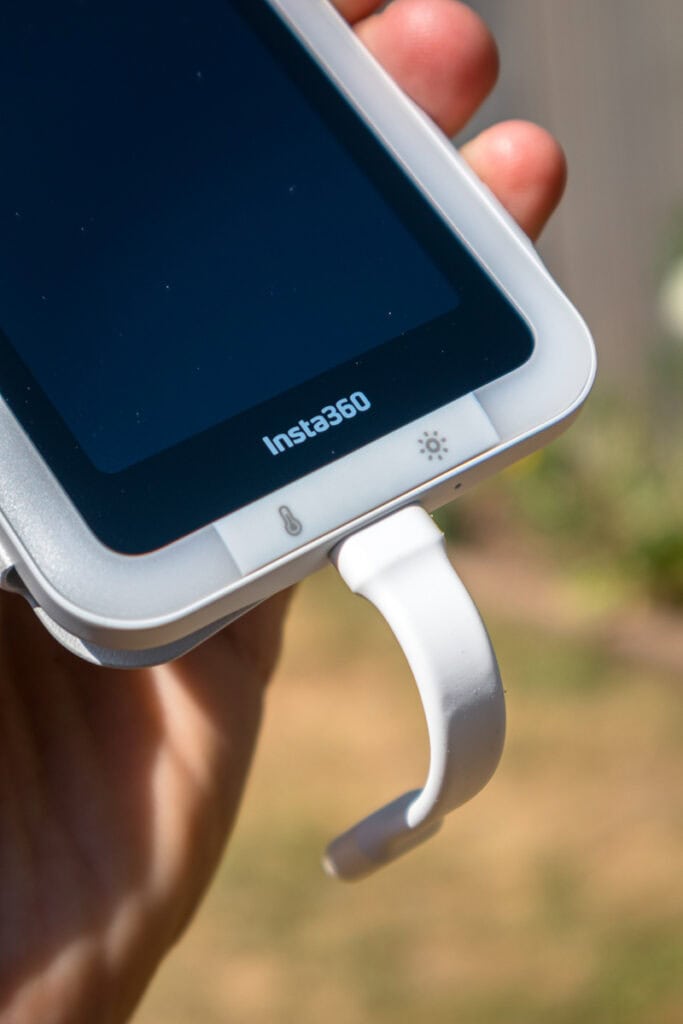
Here is what you are actually getting for your money:
- Screen size: 3.5-inch touchscreen
- Connection: Wired USB-C (no Bluetooth lag)
- Power: Draws directly from your phone, no internal battery
- Compatibility: iPhone and Android (MagSafe compatible devices attach magnetically; others use the supplied magnetic ring)
- Resolution: Supports 4K preview and recording
- Versions: Standard, or with Light (integrated ring light with 3 colour temperatures and 5 brightness levels)
- Extras: Built-in screen cover doubles as a scratch guard and folds back to prevent accidental touches on your phone screen
The wired connection is a detail I am genuinely glad they got right. I have used wireless versions of this concept before, and the lag between what you see on the screen and what is actually happening is enough to make you miss the shot entirely. Because the Snap is wired straight in, there is none of that. What you see is what you get, properly. It really does make a difference!
What type of photos and videos can I take with it?
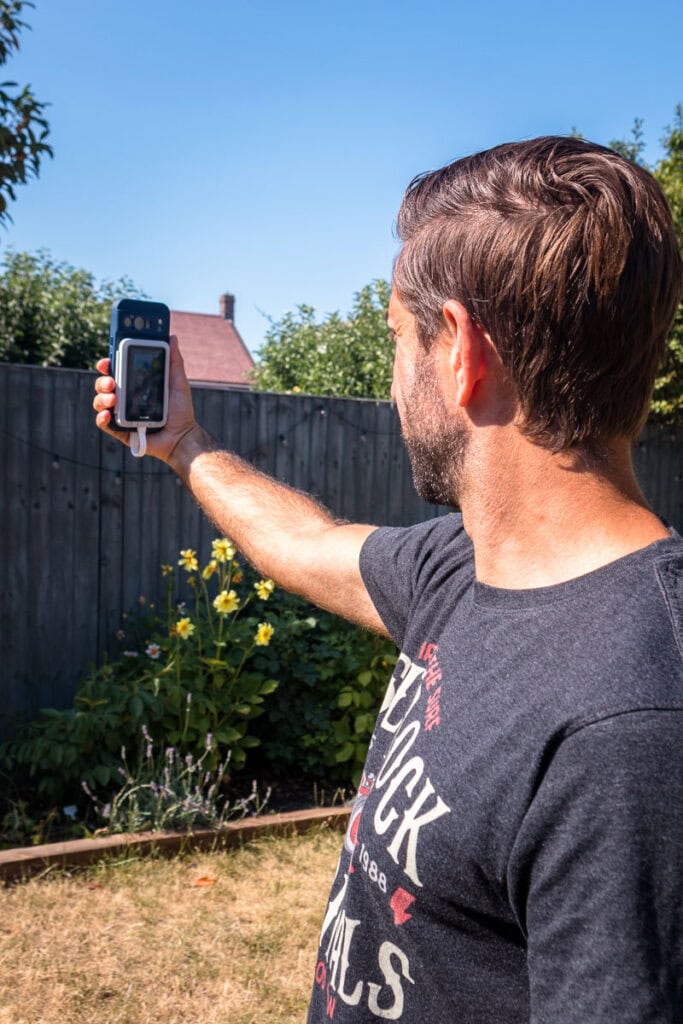
The most obvious use is the classic travel selfie, but elevated. Standing in front of a landmark, on a beach, halfway up a hill somewhere, I can now use my phone’s actual best lens instead of the front camera, and the difference in sharpness and detail is honestly quite noticeable once you start comparing the two side by side. You can see that below!
It is also brilliant for group shots. Because you are using the wide rear lens rather than the narrower front one, you can fit far more people into frame without anyone getting awkwardly cropped out at the edges. Handy when you are travelling with the family and trying to get everyone in without three attempts and someone complaining they have been cut off again. The rear camera on my Google Pixel 10 Pro has 0.5x zoom, whereas the front camera is 0.7x zoom, so there is a bit of a difference there.
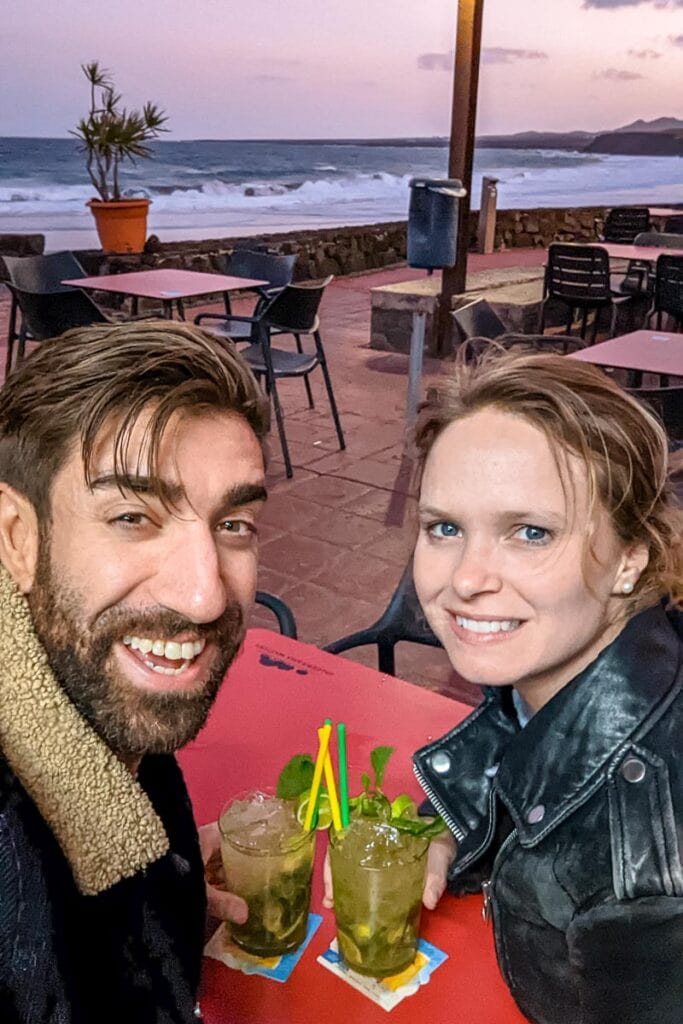
Low light is another genuine win. Evening meals, sunset shots, those slightly dim hotel lobbies, the rear camera handles all of that better than the front one ever could, and the Light version adds a soft fill that takes the edge off harsh shadows without making you look like you are being interrogated.
Because you’re shooting with your rear camera instead of the front one, you’re pulling in more light and more detail than a front camera could ever manage. The difference isn’t subtle either. Photos that would have come out grainy and flat on my front camera actually hold their colour and sharpness once the light drops. If you’re someone who takes a lot of evening shots on the road, whether that’s dinner, drinks, or just wandering around a city after dark, this alone might be worth the price of admission.
For anyone doing video content, vlogging style pieces work nicely too. You get a live, real-time preview while filming, so you are not guessing whether you are even in frame, something I have got wrong more times than I would like to admit while trying to talk to camera and walk at the same time!
One thing that is slightly frustrating is carrying around another device in your pocket. As a travel blogger, I can just shove it in my camera bag, but if I wanted to travel light then having it in my pocket would be a bit annoying. It is very light, just bulky.
How do you edit the photos and videos?
When it comes to taking photos, it’s really simple. The Snap works directly with your phone’s existing camera setup, meaning you just take a photo as you normally world. For me, I just press the volume button on my phone to capture the shot, making it feel like a natural extension of my smartphone rather than another device I have to manage.
That means anything I shoot with the Snap drops straight into my phone’s camera roll, ready to edit exactly how I always have, whether that is a quick crop and colour tweak in Lightroom Mobile, or dropping clips into CapCut for something more put together. There is no extra software to learn, no syncing across platforms, no faffing about. You just shoot and go straight into your normal workflow.

For a travel blogger trying to turn content around quickly while still being present on the actual trip, that simplicity matters more than people might expect. The less time I spend wrestling with new software on holiday, the more time I get to actually enjoy where I am.
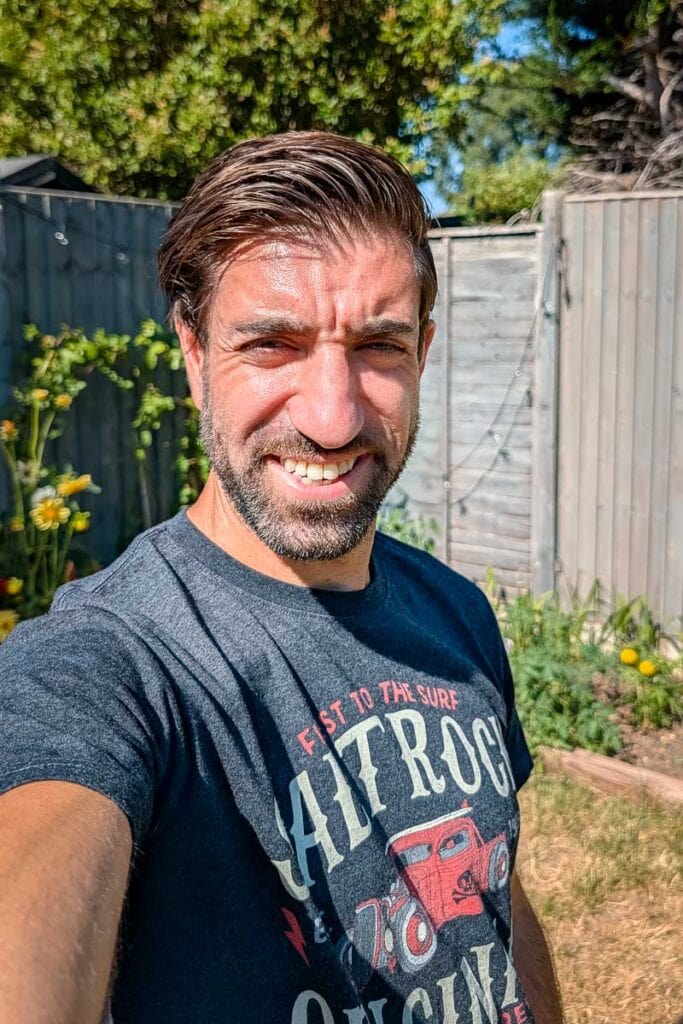
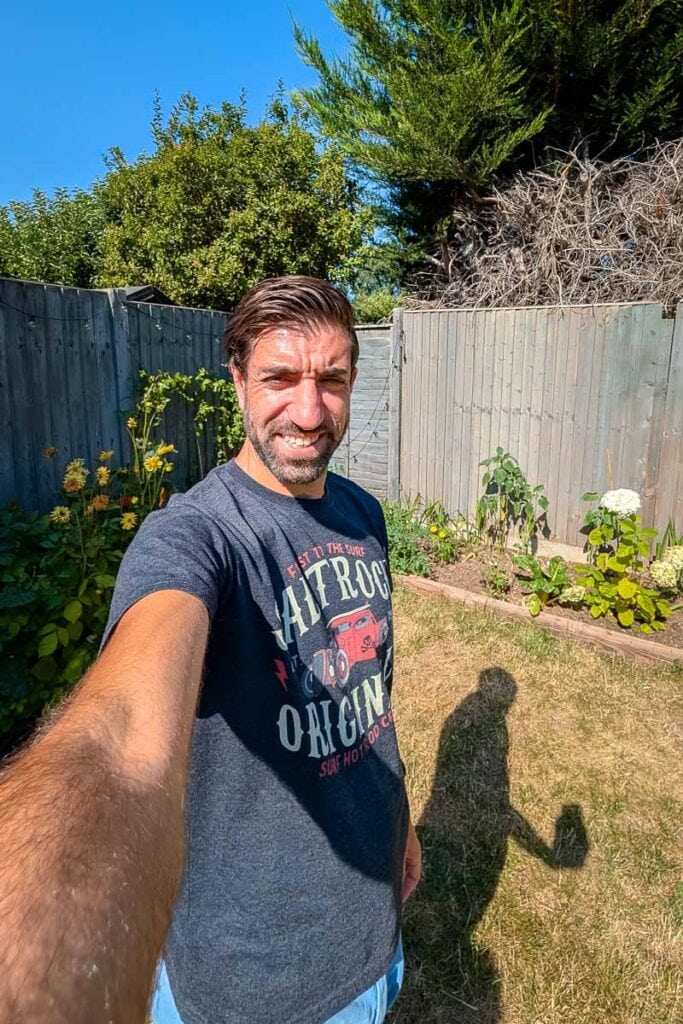
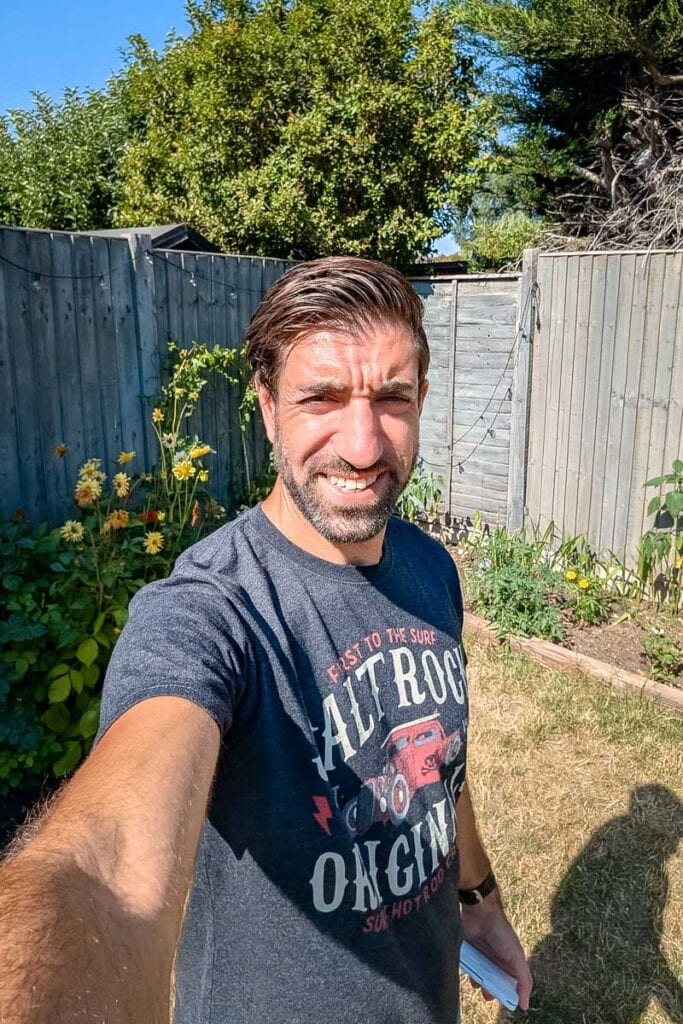
Here’s a little real-world example for you. The first set of photos are using my rear facing camera with the Snap attached, compared to the second set of photos using my front facing camera. As you can see on the 1.0x view (the left photo), the first photo is slightly sharper with a much better depth of field. It’s subtle, but it is a better quality photo.
The second photo on the right, by using the rear camera with the Snap, you can shoot at 0.5x view instead of 0.7x. You can see the difference clearly in the two photos. Also, the image quality of the top one (look at the leaves on the background) is much better than the bottom one. I would like to add I would usually crop out my arm and reframe the photo, but I’ve left it in to highlight the widescreen feature.
How much does the Insta360 Snap cost?
The standard Insta360 Snap costs £72.99, while the version with the built-in light comes in at £82.99.
For what it does, that is very reasonable. This isn’t trying to replace your camera setup or compete with something like the Insta360 X5; it is solving one specific, slightly annoying problem, and doing it for less than the cost of a decent pair of headphones. If you create content regularly, whether that is travel selfies, vlogging, or just trying to get a half-decent photo with everyone actually in frame, it is a small spend for a noticeable upgrade.
I would lean towards the Light version if you are often shooting in the evenings or somewhere with tricky lighting, restaurants, sunset spots, that sort of thing. If most of your shooting happens in good daylight, the standard version will do the job perfectly well and save you a few pounds.
My real-world verdict
I went into testing the Snap expecting a gimmick, and came out thinking it solves a genuinely real problem in a sensible way. It is not flashy. It will not replace the X5 in my bag, and it is not trying to. What it does is fix one specific frustration that anyone who has ever tried to take a half-decent selfie will recognise immediately: your best camera faces the wrong way. The Snap turns that round, literally, and the jump in quality is obvious the first time you use it.
Is it essential? Probably not for everyone. If you are perfectly happy with your front camera selfies, you will not feel like you are missing out. But if you create content regularly, travel a lot, or just get mildly irritated every time your selfie comes out slightly blurry in a dim restaurant, this little gadget earns its place. It is affordable, it does exactly what it says, and it has quietly become something I reach for far more often than I expected to.
For content creators and travellers who care about getting the shot right without overcomplicating things, the Insta360 Snap is a small, clever addition that is well worth considering.