
This post contains product affiliate links. These are mainly on items/hotels/tours that I personally endorse & love. I may earn a small commission if you make a purchase, but at no extra cost to you.
Is the Insta360 X5 worth it for travel? This is my hands-on review covering specs, editing workflow, and who this camera actually suits.
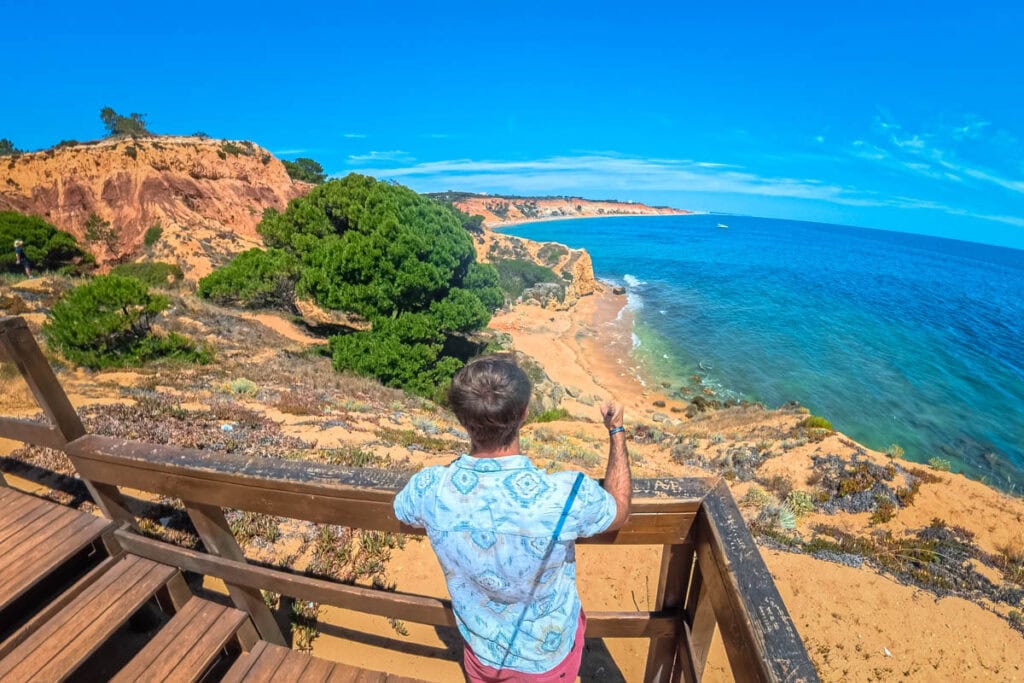
As a travel blogger I have always been obsessed with cameras. I remember the first camera I bought for my round the world trip was a Canon Powershot bridge camera. Not quite a DSLR, but good enough to really sink my teeth into photography. That round the world trip lasted two years, and that’s when I completely fell in love with taking photos. What can I say, I had a lot of time on my hands to play around and experiment!
Fast forward to today and I am still obsessed with cameras. You should see my camera bag now; it’s packed full of cameras, drones and gear. Well, the latest addition is the Insta360 X5, a lovely piece of kit that I’m really enjoying.
One of the things that has always been at the core of Insta360 cameras is fun. They’re just really fun to use, and you can get some amazing shots with them. Now that I have a couple of kids with me on my travels, they’re particularly great for making memories too. They capture those holiday moments perfectly. And because of the novelty of 360 cameras, everyone is always smiling and having a good time. That’s one of the positives about having a selfie stick!
In this article I’ll give you an overview of the Insta360 X5 and why I think this is one of the best 360 cameras on the market. This is very much a real world review. I’ve played with it, I’ve used it on my travels, and now I want to tell you all about it.
What is the Insta360 X5?
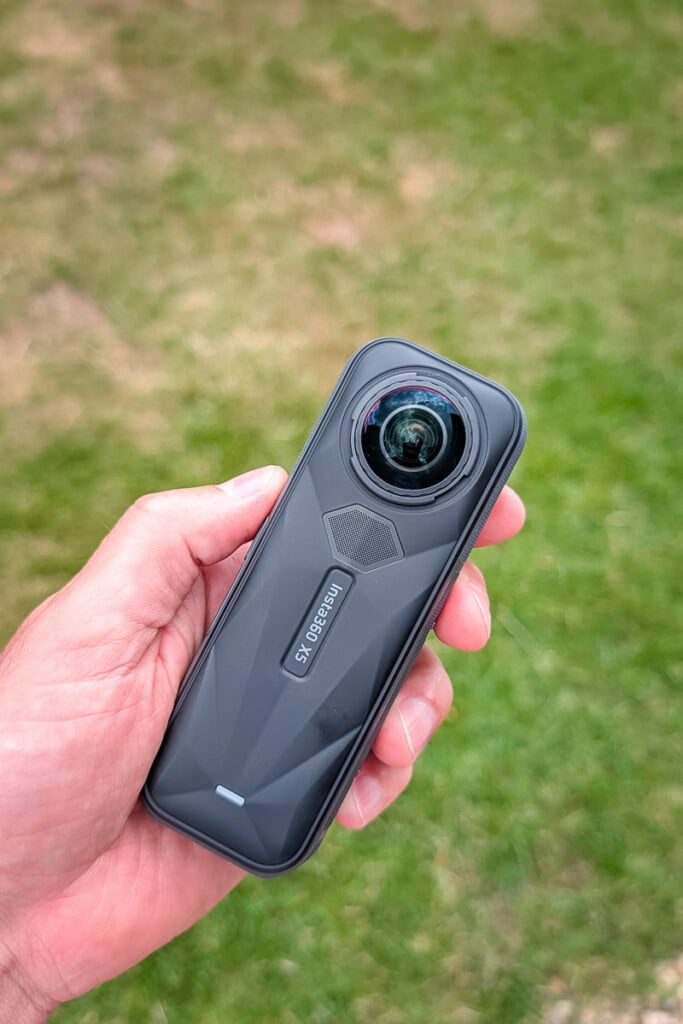
Right, let me start with the basics for anyone who has not come across an Insta360 camera before. The X5 is a 360-degree action camera, which means it captures EVERYTHING – what’s in front of you, what’s above you, what’s behind you – all in one shot. Two lenses, one on each side of the camera, work together to stitch a full spherical image or video in real time.
What makes that interesting for travel photography is the freedom it gives you after you’ve taken your photo. You shoot everything, then choose your framing when you edit. Left the selfie stick in the shot? Gone. Wanted a bird’s eye view? Easy. Like the tiny world effect? It’s yours. It opens up a completely different way of thinking about capturing a moment. Once you get your head around it, you wonder why you didn’t switch sooner.
One of the reasons these cameras are so popular is they are really good at giving a POV view which is particularly useful in action and sports shots. Think skiing, cycling, kayaking, those sorts of things. I really like how you can see arms either side of the lens to frame the shot. It just immerses you in the situation more than a standard lens.
The X5 is the latest in Insta360’s flagship line, and it builds on the hugely popular X4 with some genuinely meaningful upgrades rather than just a spec sheet refresh.
Insta360 X5 specs
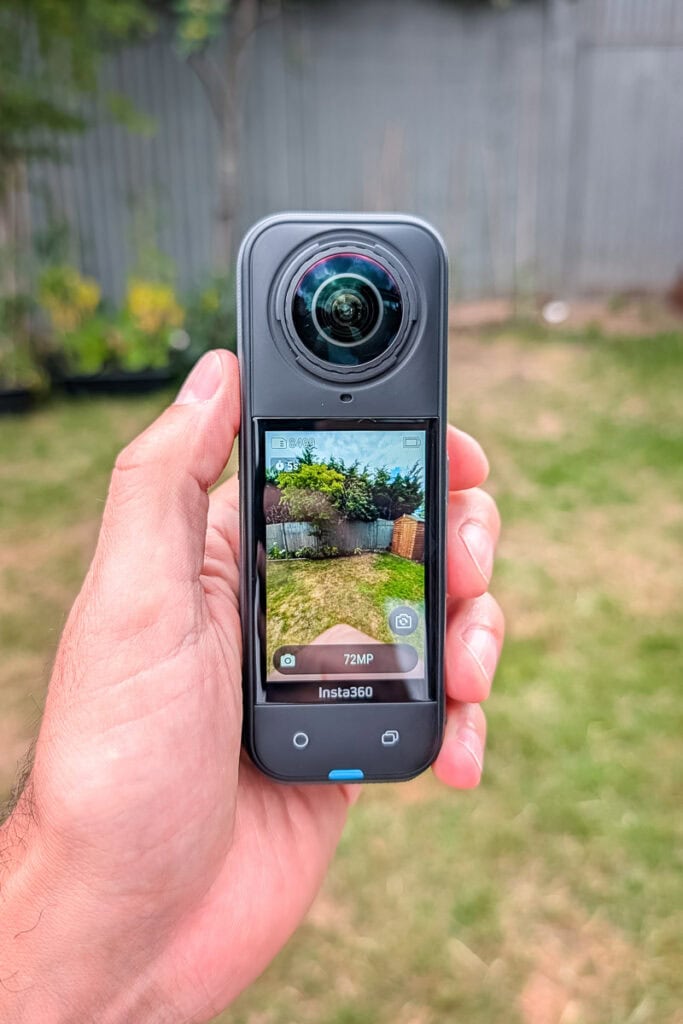
Here is what you are working with under the hood:
- Video resolution: 8K 30fps (360°), 4K 60fps (single lens)
- Photo resolution: 72MP
- Sensors: Dual 1/1.28″ sensors – 144% larger than the X4
- Stabilisation: FlowState stabilisation
- Waterproofing: Up to 15 metres (up from 10m on the X4)
- Battery: 2,400mAh, up to 185 minutes in Endurance Mode
- Charging: 0–80% in just 20 minutes via USB-C
- Weight: 210g
- Lenses: User-replaceable (a first for the X series)
- Dynamic range: Up to 13.5 stops
The sensor upgrade is the headline here. Bigger sensors mean more light, and more light means cleaner images – particularly in low light situations where previous Insta360 cameras have struggled. The waterproofing improvement is also brilliant for snorkelling and free diving. I wish I had this camera when we were in the Maldives!
What type of photos and videos can I take with it?
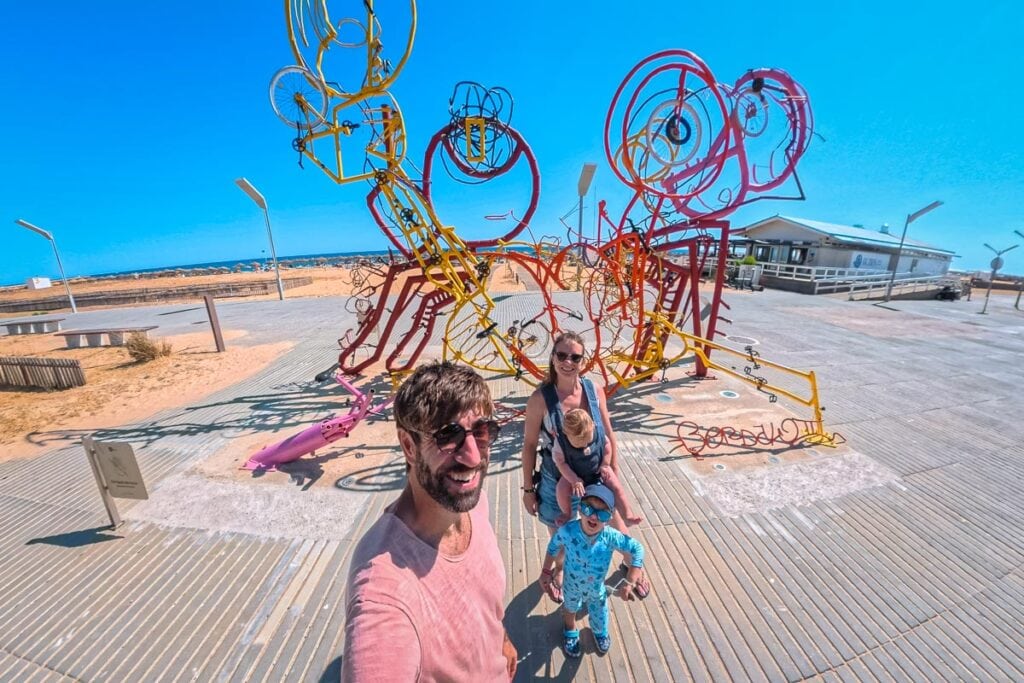
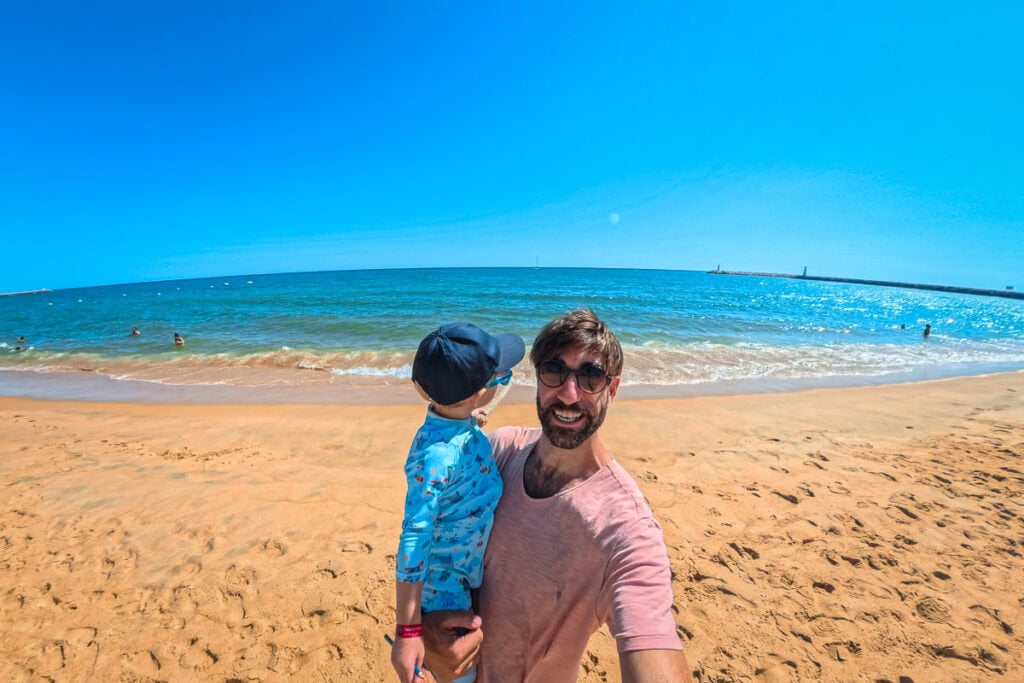
This is where it gets fun. The honest answer is: a lot. The obvious one is full 360-degree footage. Think sweeping landscape shots where you can pan and tilt after the fact, or those dramatic overhead angles that look like they were filmed with a drone. When I had it out with the kids on holiday, I could stick it on the selfie stick, hold it above us, and get a shot that looked like it was taken by someone floating above us. The kids absolutely love it, and those are the kinds of shots I know I will still be looking back on in 20 years.
Beyond 360, there is single lens mode, which shoots up to 4K at 60fps and produces footage that genuinely competes with dedicated action cameras. I’ll use this when I want clean, conventional video that is easy to drop straight into a vlog without any fiddly editing.

PureVideo mode is the new addition I was not expecting to enjoy as much as I do. It uses AI to clean up low light footage, and it actually works. Night shots in busy streets, evening meals with the family, sunset landscapes – situations where I would have previously reached for my mirrorless camera – the X5 handles surprisingly well.
There is also InstaFrame mode, which records a flat video and a full 360 video at the same time. Brilliant if you want flexibility in post and do not want to have to commit to one format while you are shooting.
For stills, you are looking at 72 megapixels, which gives you enormous flexibility to crop without losing quality. I think the fact it captures so much is how you can change the point of view and move the subject point around. It really does capture everything!
One thing I would say is you need to play around with it a lot to master all the settings. On my most recent trip to Portugal, I could’ve spent hours playing with my new toy instead of the kids. If I thought about it a bit more and the types of shots I wanted, it would’ve made things a bit easier.
How do you edit the photos and videos?
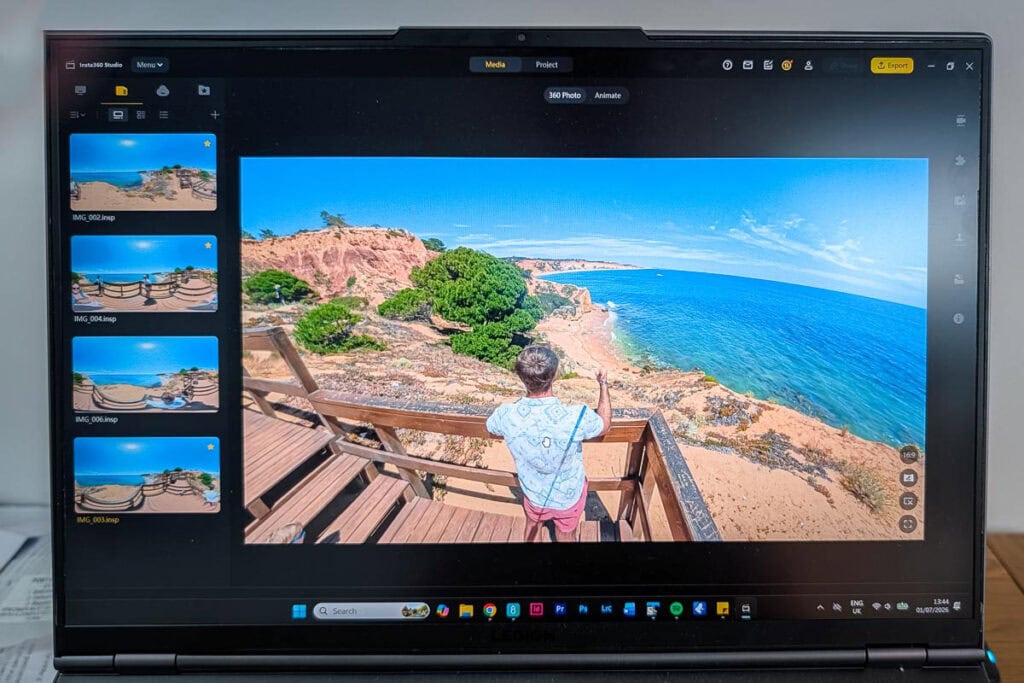
This is probably the question I get asked most when people see the camera in action. 360 footage sounds complicated, and in the past it was really clunky stitching scenes together. Well, that’s a thing of the past now.
The Insta360 app on your phone does the heavy lifting for you. You can reframe your footage, apply stabilisation, add AI-generated edits, and export finished clips in minutes. I know so many creators solely edit on their phone with apps like CapCut and Edits. Well, the userface is similar and is quite intuitive to use.
There are templates and auto-edit features that are very impressive. You drop in your clips, choose a style, and it spits out something shareable. It’s useful when you are on holiday and want to get something posted without sitting at a laptop for an hour.
For more serious editing, Insta360 Studio on desktop is where you get the real control. You can set keyframes, fine-tune your reframing, colour grade, and export at full resolution. The workflow is quicker than you would expect once you learn the basics, and Insta360 have a solid library of tutorials if you need a hand getting started.
The AI tools in the app have come on significantly with the X5 update. HDR photos that used to take ten or fifteen minutes to process now come out in under a minute. For a travel blogger trying to turn content around quickly, it’s super easy (I think so anyway!)
How much does the Insta360 X5 cost?
The Insta360 X5 starts at £520 for the standard bundle, which includes just the camera.
If you want the Essentials Bundle – which includes an additional battery, fast charge case, 114cm invisible selfie stick, lens guards, lens cap, and carry case – that comes in at £610, saving you 30% on accessories compared to buying them separately.
Is it cheap? No. But for what it does, it is genuinely good value. When you consider that this replaces multiple cameras in certain situations – action cam, vlog camera, family memory maker – the price starts to make more sense. And with replaceable lenses now built into the design, they’re a lot cheaper to fix.
I would say at the price point, it’s one for more serious creators like me. Saying that, when I used it on holiday in Portugal, I had loads of people asking me about it, so maybe I’m wrong. I even saw someone who had their own Insta360, so it’s not just for creators.
There are some really good deals on at the moment with big savings to be had which you can check out here. It’s currently Prime Day from June 23 – July 7 and fans can get up to 10% off or more, so it’s a really good time to grab a deal.
Here’s a little table showing you the prices and savings that you can get right now:

So, what do I really think?

I went into this review already liking Insta360 cameras. As a camera geek I was very excited to add this to my arsenal. I came out of it genuinely impressed by how much the X5 moves things forward.
The bigger sensors are the real win here. Low light performance has always been the Achilles heel of 360 cameras, and the X5 takes a serious crack at fixing that. It is not perfect – nothing beats a full-frame sensor in the dark – but for a camera this size and this versatile, it punches well above its weight.
For family travel photography in particular, I can see myself using this camera a lot. It captures moments naturally, without everyone having to stop and pose, and the results are the kind of candid, immersive shots that actually look like a holiday rather than a photoshoot. I really need to play around with it more though so master the type of shots I want.
Is it for everyone? Not quite. If you only ever want point-and-shoot simplicity with no editing, it might feel like overkill. But if you love photography, enjoy experimenting with different formats, and want a camera that will make your travel content genuinely stand out, the Insta360 X5 is brilliant. Alternatively, if you’re an action man like me and you want to film yourself skiing, cycling, or any number of sports, then you’ll find the X5 really useful. I’ve no doubt I will give more of an update soon, so watch this space!